
Resume PDF or Word: Which Format Should You Use?
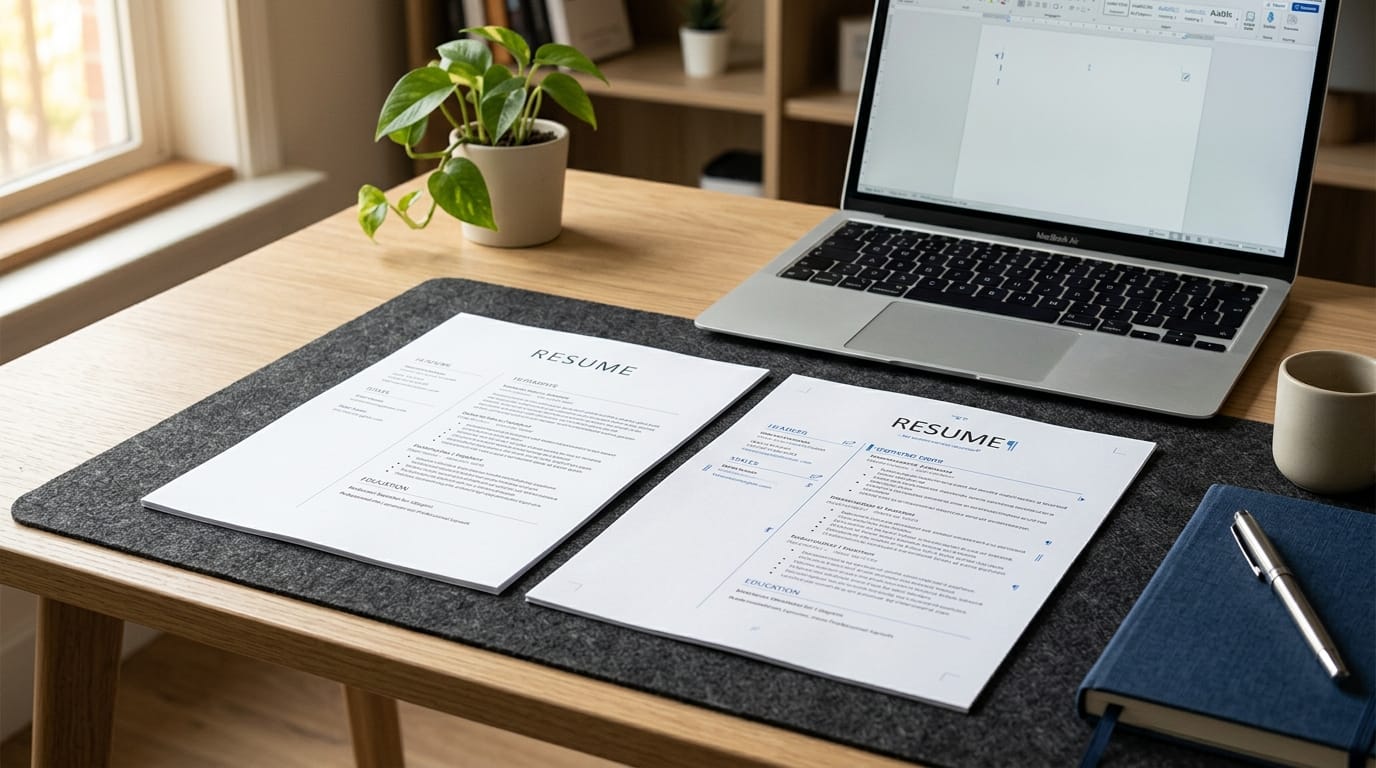
When you finish your resume, there is one small decision that can cause unnecessary confusion: Should you send it as a PDF or a Word document?
You may have heard that PDFs look more professional, while Word documents are better for Applicant Tracking Systems (ATS). But the answer isn't quite that simple.
The right format depends on how you're submitting your resume, what the employer asks for, and whether the file can be read properly by the hiring system.
Here's what you need to know before uploading your resume.
PDF vs. Word Resume: What's the Difference?
Both formats are commonly used for resumes, but they serve slightly different purposes.
PDF (.pdf) preserves the appearance of your resume. Your fonts, spacing, headings, and layout should look the same when someone opens the file.
Word (.docx) is easier to edit. Recruiters and hiring teams can make changes, add comments, or extract information from the document more easily.
So which one is better?
For most job applications, PDF is usually the better choice, unless the employer specifically requests a Word document.
When Should You Use a PDF Resume?
PDF is generally the safest choice when the job posting doesn't specify a format.
1. Your formatting stays intact
A resume that looks great in Word can sometimes look different when opened on another computer because of font, spacing, or software differences.
PDF reduces this problem because the document's layout is essentially locked in.
2. It looks professional
A properly formatted PDF gives recruiters a consistent version of your resume to review.
Your headings, bullet points, margins, and overall structure are less likely to shift unexpectedly.
3. It's difficult to accidentally edit
Once your resume is saved as a PDF, recruiters are less likely to accidentally change the original formatting while reviewing or sharing it.
4. It's widely accepted
Many online application systems accept PDF files, and many employers use them as the standard format for submitted resumes.
However, there's one important exception.
When Should You Use a Word Resume?
Use a Word document when the employer or application specifically asks for one.
For example, if the application says:
"Upload your resume as a .doc or .docx file."
Follow the instruction.
You shouldn't send a PDF simply because you prefer how it looks.
Word can also make sense when:
- The employer needs to edit your resume.
- A recruiter specifically requests a Word version.
- The application system doesn't accept PDFs.
- You're sending your resume to someone who needs to make changes before submission.
The job posting's instructions should always come first.
Is PDF or Word Better for ATS?
This is where things get a little more complicated.
An ATS is software employers use to collect, organize, and sometimes screen job applications.
Both PDF and Word resumes can be ATS-friendly. The bigger issue is how your resume is built, not simply whether the file ends in .pdf or .docx.
Problems can occur when a resume uses:
- Images instead of text
- Text inside graphics
- Complicated tables
- Multiple columns
- Unusual fonts
- Decorative elements that interfere with text extraction
An ATS may struggle to correctly interpret information that is visually clear to a person.
That's why an attractive resume isn't automatically an ATS-friendly resume.
Before submitting, check whether your resume's text can actually be read and extracted correctly.
You can use the Preplink.ai Resume Scan to review your resume and identify areas that need improvement before you start applying.
PDF vs. Word: Quick Comparison
So, Should You Submit Your Resume as PDF or Word?
Here's the simplest rule:
If the employer specifies a format, use that format.
If no format is mentioned, PDF is generally the safer default because it preserves your intended layout and presentation.
But don't assume that saving a resume as PDF automatically makes it ATS-friendly.
Your resume still needs a clean structure, readable text, relevant keywords, and clear sections.
According to Indeed's guide to Applicant Tracking Systems, an Applicant Tracking System (ATS) helps employers manage and screen job applications, which is why your resume needs to be formatted in a way that the system can read correctly.
What If Your PDF Resume Isn't Getting Responses?
Changing from PDF to Word isn't necessarily the solution.
If you're applying consistently but rarely hearing back, look at the resume itself before blaming the file format.
Ask yourself:
- Does my resume match the job I'm applying for?
- Does it highlight the skills the employer is looking for?
- Are my most relevant achievements easy to find?
- Does it contain relevant keywords from the job description?
- Is the formatting simple enough for an ATS to read?
- Am I using the same resume for every application?
A strong resume should be relevant to the specific position, not simply well designed.
If you're applying for multiple roles, Preplink.ai Resume Builder can help you create and structure your resume, while its resume tools can help you identify areas that need improvement before submitting applications.
PDF or Word Resume: Which One Should You Choose?
For most job seekers, the decision is straightforward:
Choose PDF when:
- The employer doesn't specify a format.
- You want to preserve your formatting.
- You're submitting your resume through an application portal that accepts PDF.
- You're sending your resume directly to a recruiter and no format is specified.
Choose Word when:
- The employer specifically requests .doc or .docx.
- A recruiter asks for a Word version.
- The application system only accepts Word.
- Someone needs to edit the document.
Don't spend too much time worrying about PDF vs. Word while ignoring the things that actually make a resume competitive.
A readable, relevant, well-structured resume will matter far more than simply choosing one file extension over another.
Final Thoughts
So, is a resume better as a PDF or Word document?
In most cases, PDF is the better default when no format is specified. It protects your formatting and gives recruiters a consistent version of your resume to review.
But when an employer specifically asks for Word, send Word.
The most important thing is to make sure your resume is easy to read, ATS-friendly, relevant to the job, and free of unnecessary design elements.
Get the content right first. Then choose the file format that best fits the application.