
How to List Certifications on a Resume: Examples and Tips
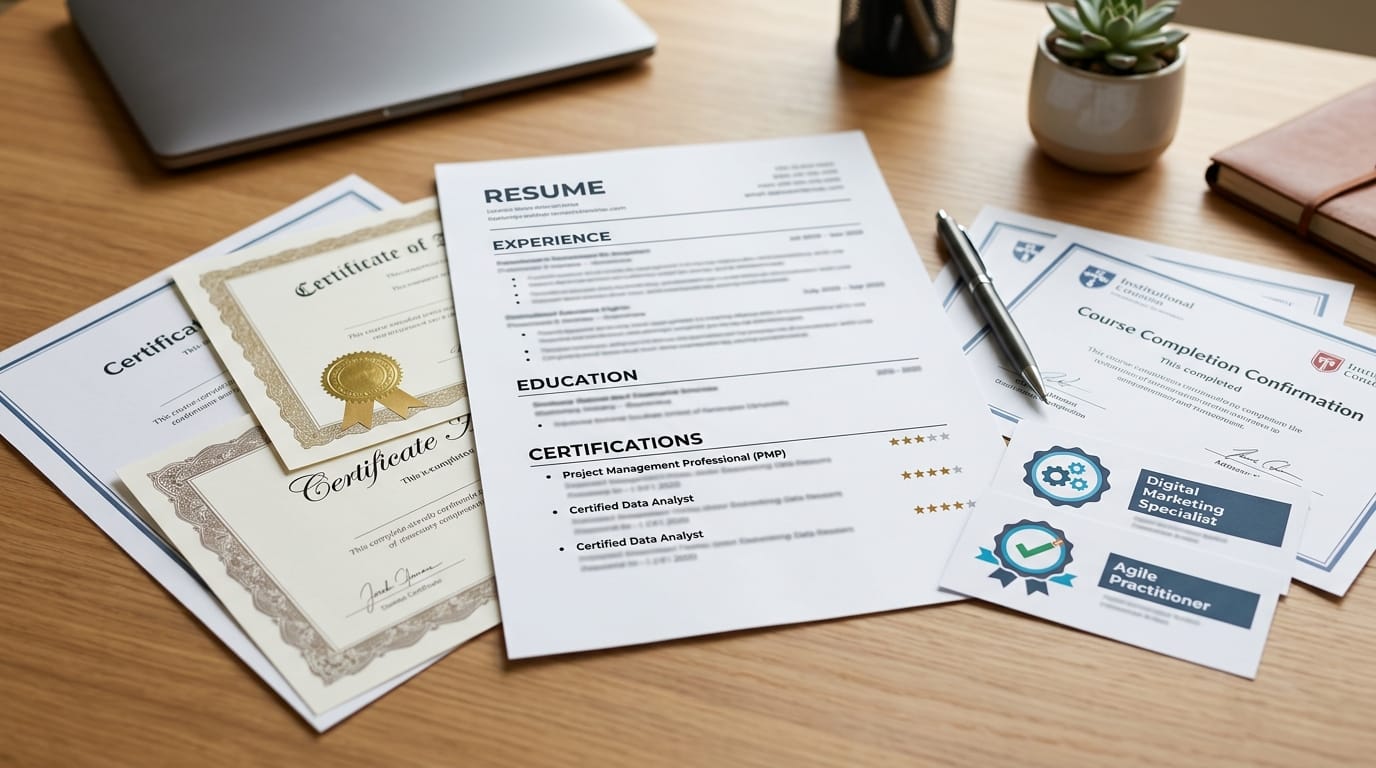
A certification can be a useful addition to your resume, especially when it directly relates to the job you're applying for.
But simply adding a list of certificates at the bottom of your resume doesn't necessarily make your application stronger.
You need to know which certifications to include, where to put them, and how to format them so an employer can quickly understand their value.
So, how do you list certifications on a resume?
Before you add them, you need to know which certifications are worth including, where they belong, and what information employers actually need to see.
Let's break it down.
Should You Put Certifications on Your Resume?
Yes, if the certification is relevant to the position or demonstrates a skill the employer is looking for.
Certifications can be particularly useful if:
- The job description specifically requires one
- The certification is widely recognised in your industry
- You're entering a new field
- You have limited professional experience
- The certification demonstrates a skill relevant to the position
- The credential is current and verifiable
For example, a Google Ads certification could be relevant when applying for a digital marketing role, while a CompTIA A+ certification could strengthen an entry-level IT application.
You don't need to list every certificate you've ever completed. Prioritise the ones that actually support your application.
Where Should Certifications Go on a Resume?
There isn't one placement that works for every candidate.
1. Use a Dedicated Certifications Section
If you have several relevant certifications, a separate Certifications section is usually the clearest option.
For example:
CERTIFICATIONS
Google Analytics Certification
Google Skillshop | Issued March 2026
Meta Certified Digital Marketing Associate
Meta | Issued January 2026
This makes your credentials easy to find without taking attention away from your work experience.
2. Put a Certification Under Education
If you're a student or recent graduate with limited professional experience, you can place relevant certifications near your education.
For example:
BSc Business Management
University Name | 2023–2026
Certification: Google Analytics Certification — Google Skillshop, 2026
This can work particularly well when your certification supports your degree or the role you're targeting.
3. Mention an Important Certification Near Your Name
If a certification is essential to your profession, you may include the credential after your name.
For example:
Jane Smith, PMP
This is more common for professional credentials that employers expect or strongly recognise. For ordinary online certificates, a dedicated Certifications section is usually more appropriate.
What Information Should You Include?
A good certification entry should make the credential easy to identify and verify.
Include:
- Certification name
- Issuing organisation
- Date earned
- Expiration or renewal date, if applicable
- Credential ID, when useful or required
- Relevant skills, if they add useful context
For example:
Project Management Professional (PMP)
Project Management Institute | Issued June 2026 | Expires June 2029
You don't need to include every possible detail. Keep the entry concise and prioritise information that matters to the employer.
According to Harvard University's Mignone Center for Career Success, a certification entry should clearly identify the certification, issuing organisation, and date earned, with additional details included when relevant.
How to List Certifications on a Resume: Examples
The U.S. Bureau of Labor Statistics defines certifications as credentials that demonstrate a level of skill or knowledge needed to perform a specific type of job. That makes relevance important: the certifications you list should support the skills or qualifications required for the role.
Marketing Certification
Google Ads Search Certification
Google Skillshop | Issued February 2026
Project Management Certification
Project Management Professional (PMP)
Project Management Institute | Issued May 2026 | Expires May 2029
IT Certification
CompTIA A+
CompTIA | Issued April 2026
Data Certification
Microsoft Certified: Power BI Data Analyst Associate
Microsoft | Issued January 2026
Healthcare Certification
Basic Life Support (BLS)
American Heart Association | Issued March 2026 | Expires March 2028
The exact format can vary, but consistency matters. If one certification includes the issuing organisation and date, use a similar format for the others.
Should You List Online Certifications on Your Resume?
You can, provided they are relevant and credible.
An online certification can demonstrate that you've developed a specific skill outside your formal education or employment.
For example, if you're applying for a content marketing role, a relevant SEO certification may strengthen your application.
However, completing an online course doesn't automatically mean the resulting certificate belongs on your resume.
Ask yourself:
Does this credential help demonstrate that I can do something the employer needs?
If the answer is no, you probably don't need to use valuable resume space on it.
How Do You List a Certification That's Still in Progress?
If you're currently working toward a certification, you can still mention it if it is relevant to the position.
Just make the status clear.
For example:
Google Data Analytics Professional Certificate
Coursera | In progress | Expected completion: December 2026
Don't present an unfinished certification as though you've already earned it.
Being transparent about your status keeps your resume accurate while still showing that you're actively developing relevant skills.
Should You Include Expired Certifications?
It depends on the certification and the job.
If the credential is required to practise a profession or perform a specific role, an expired certification may be misleading and should generally not be presented as current.
For certifications where the expiration date matters, show the status clearly.
For example:
Certified ScrumMaster (CSM)
Scrum Alliance | Issued 2024 | Expired 2026
If the certification is no longer relevant to the role or has been replaced by a newer credential, you may be better off leaving it off entirely.
How Many Certifications Should You Put on a Resume?
There isn't a magic number.
The better approach is to prioritise relevance over quantity.
If you have ten certifications but only three relate to the job, those three are likely to be more useful.
A long list of unrelated certificates can make your resume harder to scan and take attention away from stronger qualifications.
When deciding which ones to include, look at the job description.
If the employer asks for:
- Google Analytics
- SEO
- Content marketing
then certifications demonstrating those skills are more relevant than unrelated training.
Should You Tailor Your Certifications for Each Job?
Yes.
Your resume doesn't have to contain every credential you've earned.
For example, imagine you're applying for two different roles.
For a digital marketing position, you might prioritise:
- Google Analytics
- Google Ads
- SEO
- Meta advertising
For a project management position, you might instead highlight:
- PMP
- Scrum
- Agile
- Project management training
This keeps your resume focused on what the employer is actually looking for.
If you're unsure whether your resume is highlighting the right qualifications, Preplink.ai Resume Scan can help identify areas that may need improvement before you submit an application.
Common Mistakes to Avoid
Listing Every Certificate You've Ever Earned
Your resume isn't a transcript.
Include credentials that support the position you're applying for.
Using Unclear Abbreviations
Don't assume every recruiter knows what an acronym means.
Use the full certification name where appropriate.
For example:
Project Management Professional (PMP)
Forgetting the Issuing Organisation
The organisation behind the credential gives the employer useful context and can make the certification easier to verify.
Hiding an Important Required Certification
If a job specifically requires a certification, don't bury it where it's difficult to find.
Give important credentials appropriate prominence.
Claiming a Certification You Haven't Earned
If it's still in progress, say so.
Accuracy matters more than making your resume look impressive.
How Certifications Can Strengthen Your Resume
A certification is most useful when it supports the story your resume is already telling.
For example, if your experience shows that you've worked in digital marketing and your certifications demonstrate Google Analytics, Google Ads, and SEO knowledge, the credentials reinforce the skills you've described elsewhere.
But a certification shouldn't replace evidence of what you've actually done.
Whenever possible, connect your certification to projects, work experience, or measurable results.
If you have relevant projects, you can also include them alongside your certifications. See our guide on How to List Projects on a Resume: Examples and Tips for 2026 for examples of how to present practical experience on your resume.
Final Thoughts
Learning how to list certifications on a resume isn't just about creating a Certifications section.
It's about choosing credentials that matter to the job and presenting them clearly.
Include the certification name, issuing organisation, and relevant dates. Add expiration dates or credential IDs when they provide useful information, and clearly label anything that's still in progress.
Most importantly, don't try to impress employers with a long list of unrelated certificates.
A few relevant certifications that support your skills are more useful than a page full of credentials that have nothing to do with the job.
If you're creating a resume from scratch, Preplink's Resume Builder can help you organise your certifications, experience, education, projects, and skills into a clear, structured resume.
And if you're ready to apply, use Preplink's Job Board to find relevant opportunities and put those qualifications to work.